

Operations
Expense Requests
Employees upload receipts from their phone, requests go through approval and the expense team completes them; with Accounting enabled, completed expenses become accounting vouchers.
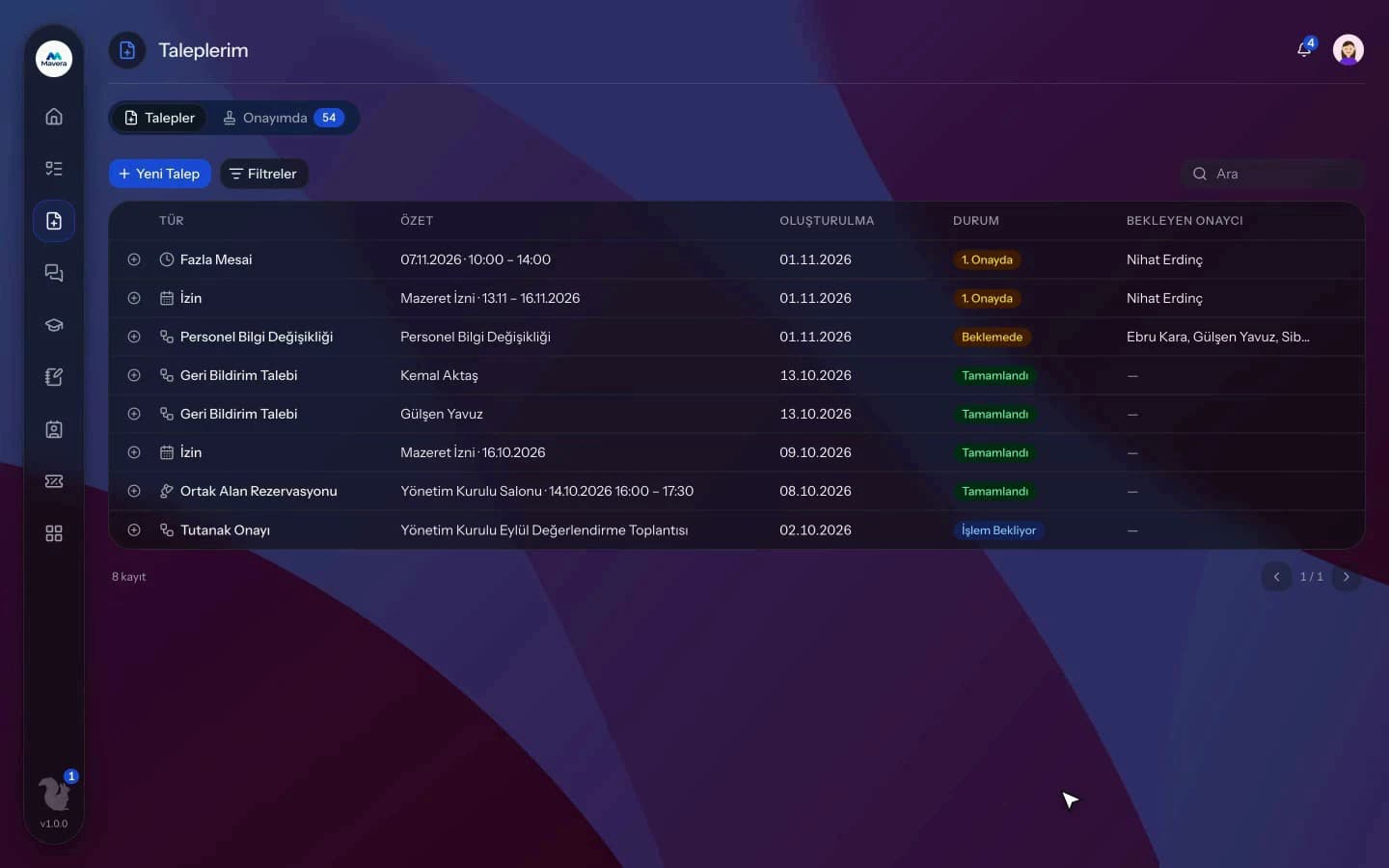
Expense Requests
How It Works
Create the request
Employees enter expense lines with receipts and documents and pick their approver.
Send for approval
The request goes through the approval chain and then lands in the expense team's queue.
Close it out
The team claims and completes it or sends it back with a reason; with Accounting enabled, completed expenses become accounting vouchers.
Features
What You Can Do
- Enter up to 5 lines per request, each with its own category, amount and currency.
- Attach up to 10 documents per line, receipt photos included (JPG, PNG, WEBP, PDF).
- Amounts can be entered in Turkish lira or US dollars.
- Approved requests land in the expense team's queue, where a team member claims them.
- The team completes the request or sends it back with a reason; the requester corrects and resubmits.
- With Accounting enabled, completed TRY expenses create a journal voucher; duplicates are blocked.
- Set a resolution time, with different times per category.
- The dashboard shows payments per person and breakdowns by category and department.
- Manage expense categories in the organization settings.
- While an approver is on leave, their delegate can approve.
Common Questions
In Kolekto's Expense Requests module, when the expense team completes a request, a journal entry for the total amount is created automatically if the Accounting module is enabled and every line in the request is in Turkish lira; the amount is debited as an expense and credited as payable to the employee. No second entry is created for the same request, and no entry is created if the accounting period is closed or the account mapping is not defined.
In Kolekto's Expense Requests module, the expense team returns an incomplete or incorrect request with a written reason; a request cannot be returned without one. The requester corrects the lines and documents and resubmits, and the corrected request goes through the approval chain again.
Each organization designs its own approval flows in Process Management: approval, task, notification and escalation steps are laid out per request type in the drag-and-drop designer, with no limit on the number of levels. Approvers are derived from the org chart: the reporting line, the department head, a title holder or a permission chain. If an approver is on leave, their delegate, their manager or a backup approver steps in; an overdue step is escalated by its SLA rule. Every step shows in the progress indicator and in the user activity log.
Pending approvals, resolved requests and new assignments are delivered both in-app and by email. Employees track the stage of their request from their panel.
Kolekto runs in the browser and is fully responsive; use it from phone, tablet or desktop with no installation. Employees open leave requests from their phone, managers approve from theirs.
Start running your company from one place.
In the demo call we agree on your needs and the modules to enable.
Request a DemoContact Us