

Operations
Purchase Requests
Purchase requests pass tiered approval; the team compares quotes, places the order and receives it, and assets are added to inventory on their own.
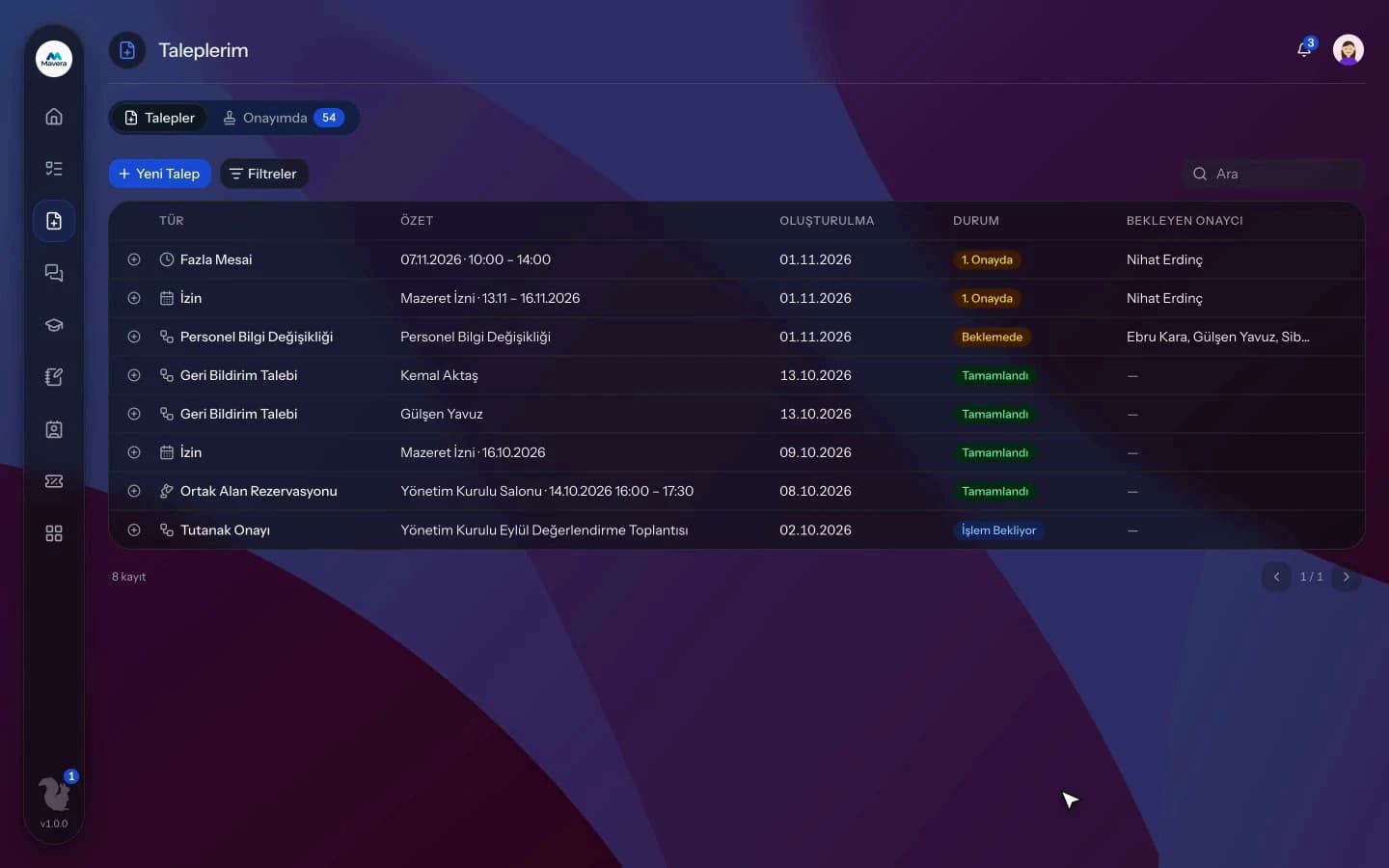
Purchase Requests
How It Works
Request and approval
Employees enter items, quantities and estimated prices; the request passes tiered approval.
Quotes and order
The purchasing team compares quotes, selects one and creates an order.
Receiving
Goods are received with a delivery note number, partially if needed; the request closes on full receipt.
Features
What You Can Do
- Open requests per item with product, quantity, unit and estimated unit price.
- Add several quotes with supplier, VAT, lead time, validity and files; the lowest is highlighted.
- Pick suppliers from the companies in your customer records.
- Quotes or orders above the estimate can only be selected with a reason, which is logged on the timeline.
- Create an order from the selected quote and track its status.
- Partial receipts are supported; the remaining quantity is shown and excess is rejected.
- With Inventory enabled, asset purchases are added to inventory one by one on receipt.
- With Accounting enabled, full receipt of a TRY order with an accounting type and VAT issues an accounting voucher.
- With Contracts enabled, an order is linked automatically when the supplier, picked from customer records, has exactly one active contract.
- Categories, resolution times and a purchasing dashboard are included.
Common Questions
In Kolekto's Purchase Requests module, you add several quotes to a request, each with supplier, total amount, currency, VAT rate, delivery time, validity date and quote file, and the lowest quote is marked. A quote above the request's estimated amount can only be selected with a written reason, which is recorded on the request timeline.
In Kolekto's Purchase Requests module, incoming goods are received against the order with a waybill number and a quantity per line; a delivery exceeding the requested quantity is not recorded, and the requester is notified on every delivery. Once all lines are received, the request closes automatically; if the Accounting module is enabled, an accounting entry is also created at that point for lira orders with an accounting type and VAT rate.
Each organization designs its own approval flows in Process Management: approval, task, notification and escalation steps are laid out per request type in the drag-and-drop designer, with no limit on the number of levels. Approvers are derived from the org chart: the reporting line, the department head, a title holder or a permission chain. If an approver is on leave, their delegate, their manager or a backup approver steps in; an overdue step is escalated by its SLA rule. Every step shows in the progress indicator and in the user activity log.
Assets are registered with brand, model and serial number; they are assigned to employees and kept with their full history on return. You can always see who holds an asset and who held it before.
Pending approvals, resolved requests and new assignments are delivered both in-app and by email. Employees track the stage of their request from their panel.
Start running your company from one place.
In the demo call we agree on your needs and the modules to enable.
Request a DemoContact Us