

Operations
IT Help Requests
Employees open IT requests with a category and priority and can link their device; requests go to the right person and resolution time is tracked.
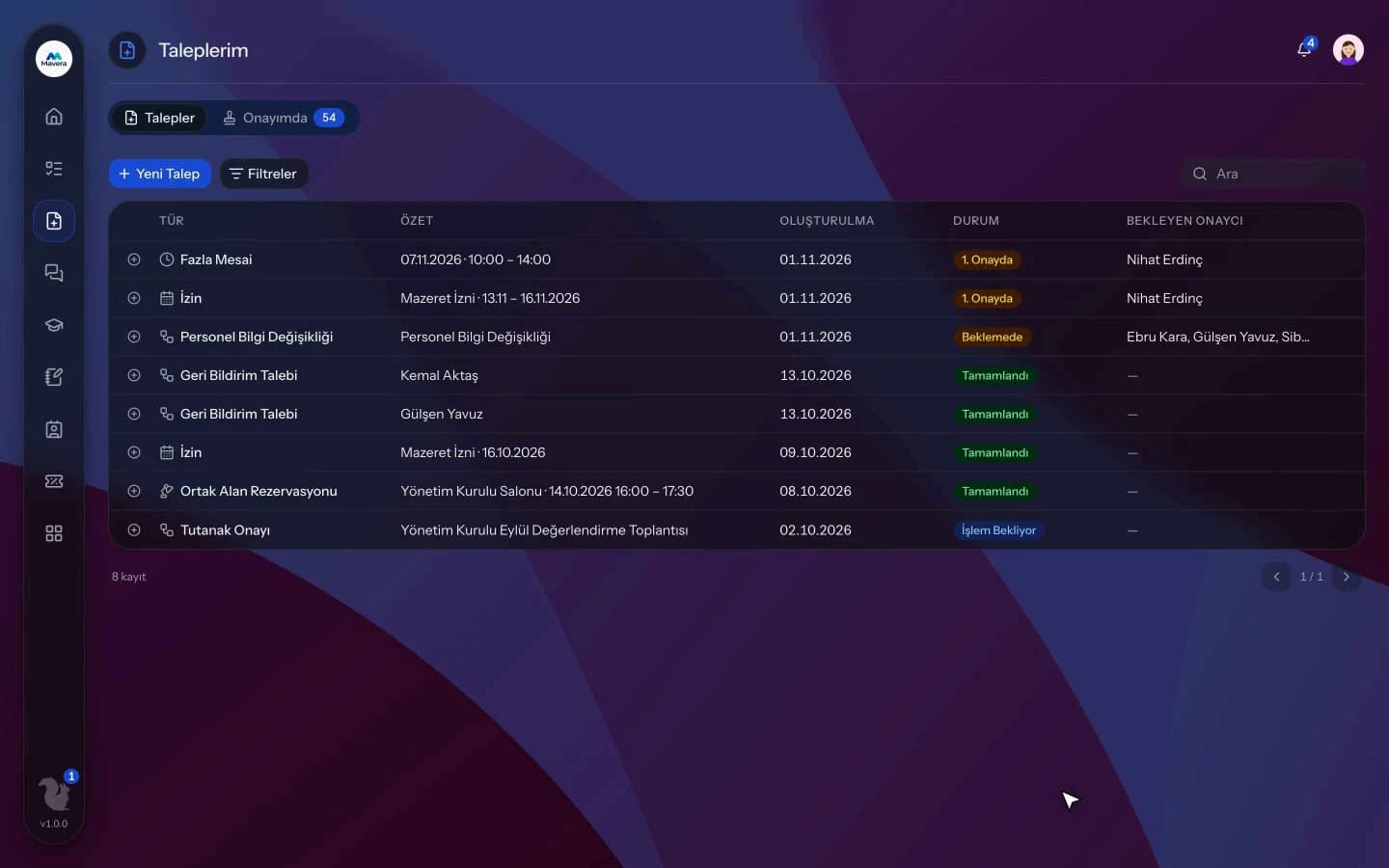
IT Help Requests
How It Works
Open a request
Employees pick a category and priority, optionally link an assigned device and describe the issue.
Approval and routing
Approved requests are assigned to an IT member by category rule or land in the queue.
Resolution
The IT team resolves or returns the request, and resolution time is tracked.
Features
What You Can Do
- Open requests with a title, description, Low, Medium or High priority and a category.
- Link a device assigned to you to the request.
- Assign automatically per category, in rotation or to a fixed person.
- Claim requests from the queue, reassign them to another IT member or change their category.
- Set resolution times by priority and category.
- Filter overdue requests and see their count on the dashboard.
- Filter the queue by requester, department, category, assignee and date.
- Resolve, return with a reason or reopen requests.
- The dashboard shows category flow, a team table, open and unassigned requests and average time.
- Link a request to a contract.
Common Questions
In Kolekto's IT Help Requests module, an assignment rule is set for each category: requests either go to a fixed IT staff member or are distributed in turn across the IT team. If there is no rule or no eligible person, the request goes to the queue for a team member to claim, and an IT staff member who opens a request is never assigned to it.
In Kolekto's IT Help Requests module, you set the resolution time in hours by priority, or by category and priority together; a category rule takes precedence over the general priority-based time. Requests past their deadline can be filtered in the queue and are counted on the IT dashboard, and if escalation is enabled in Process Management, the IT manager is notified when the deadline is missed.
The IT Helpdesk module runs employee-reported issues on the same backbone as requests: a ticket is opened, passes approval if configured, an IT team member takes ownership, and its status is tracked to resolution. The requester is notified at every step.
Each organization designs its own approval flows in Process Management: approval, task, notification and escalation steps are laid out per request type in the drag-and-drop designer, with no limit on the number of levels. Approvers are derived from the org chart: the reporting line, the department head, a title holder or a permission chain. If an approver is on leave, their delegate, their manager or a backup approver steps in; an overdue step is escalated by its SLA rule. Every step shows in the progress indicator and in the user activity log.
Pending approvals, resolved requests and new assignments are delivered both in-app and by email. Employees track the stage of their request from their panel.
Start running your company from one place.
In the demo call we agree on your needs and the modules to enable.
Request a DemoContact Us