

Operations
Meetings
Plan meetings with an agenda, capture decisions and tasks in a live notebook; minutes are approved and distributed and tasks land on owners' lists.
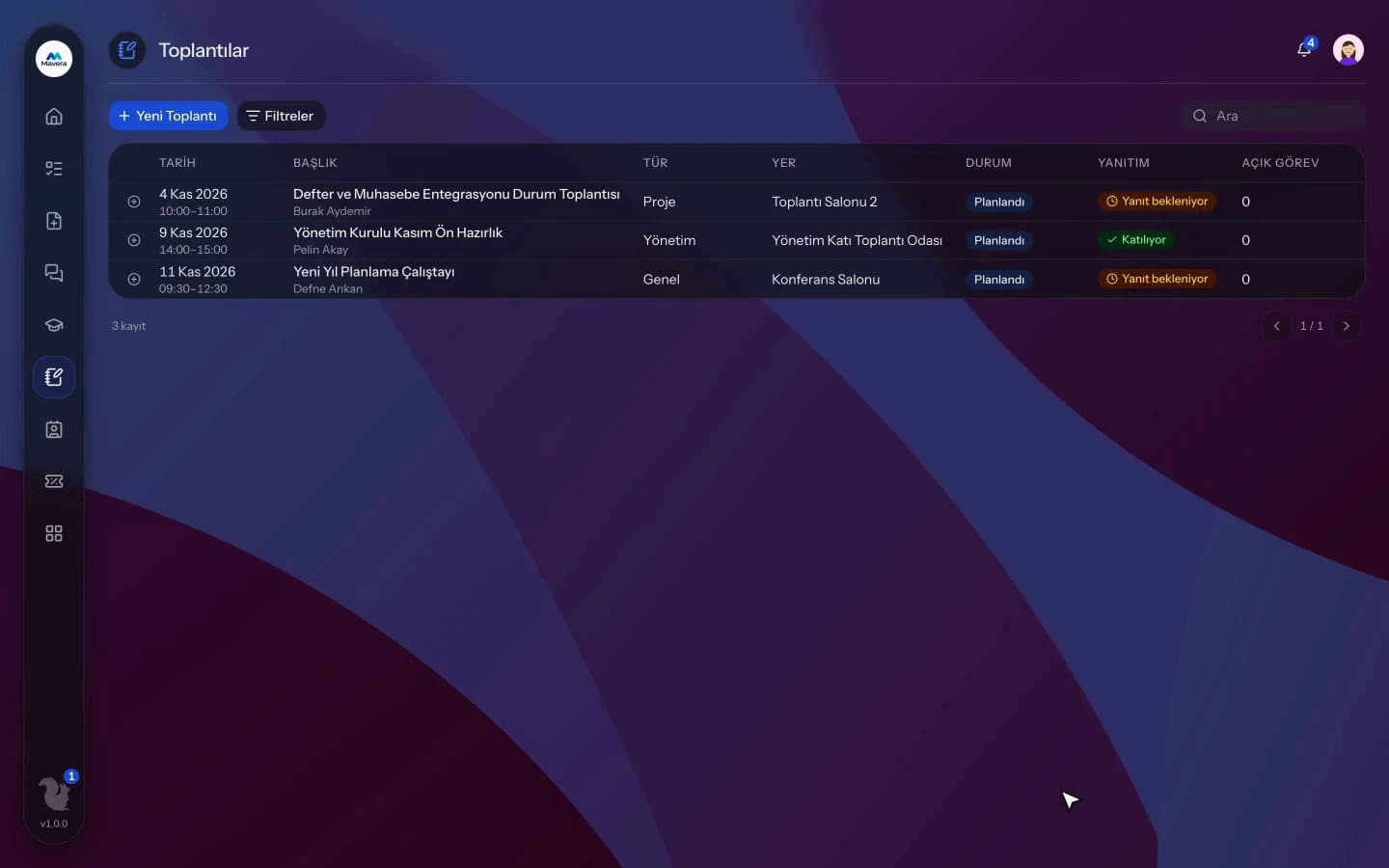
Meetings
How It Works
Plan and invite
Send invitations with type, visibility, attendees, agenda and an online or in-person choice.
Take notes live
Enter notes, decisions and tasks per agenda item and record attendance.
Approve the minutes
Prepare minutes from an AI draft or by hand, approve and distribute them; tasks go to their owners.
Features
What You Can Do
- Plan meetings with a type, four visibility levels, attendee roles and a timed agenda.
- Create weekly, biweekly or monthly recurring series.
- For in-person meetings, pick a free room from the day grid and get capacity warnings.
- Attendees reply to invitations with Attending, Maybe or Not attending.
- External guests receive email invitations with a calendar file and reply through a link.
- In the live notebook, enter notes, decisions and tasks with owners and due dates per agenda item.
- An AI minutes draft is prepared from the notes with names pseudonymized; manual minutes are always possible.
- For selected meeting types, minutes need the chair's approval; approved minutes go to attendees and stakeholders.
- Tasks from the minutes land on the owner's list, with reminders when they are overdue.
- Decision status is updated on the meeting page; with Microsoft 365 connected, a Teams link can be added.
Common Questions
Yes. Kolekto's Meetings module drafts the minutes from the notes taken in the meeting; people are sent to the model under aliases, and owner references in the draft are checked against the participant list. You edit the draft or write the minutes yourself, and for meeting types your organization selects, the minutes are distributed after the chair approves them.
Yes. In Kolekto's Meetings module, if your organization has connected Microsoft 365, an online meeting is created as a Teams event in the organizer's calendar and the join link is added to the meeting page. When the meeting is updated or cancelled, the calendar event is updated or removed as well.
Pending approvals, resolved requests and new assignments are delivered both in-app and by email. Employees track the stage of their request from their panel.
Kolekto runs in the browser and is fully responsive; use it from phone, tablet or desktop with no installation. Employees open leave requests from their phone, managers approve from theirs.
Kolekto ships with Turkish and English interfaces; each user picks their own language. Notification emails are also sent in the user's language.
Start running your company from one place.
In the demo call we agree on your needs and the modules to enable.
Request a DemoContact Us