

Operations
Shared Spaces
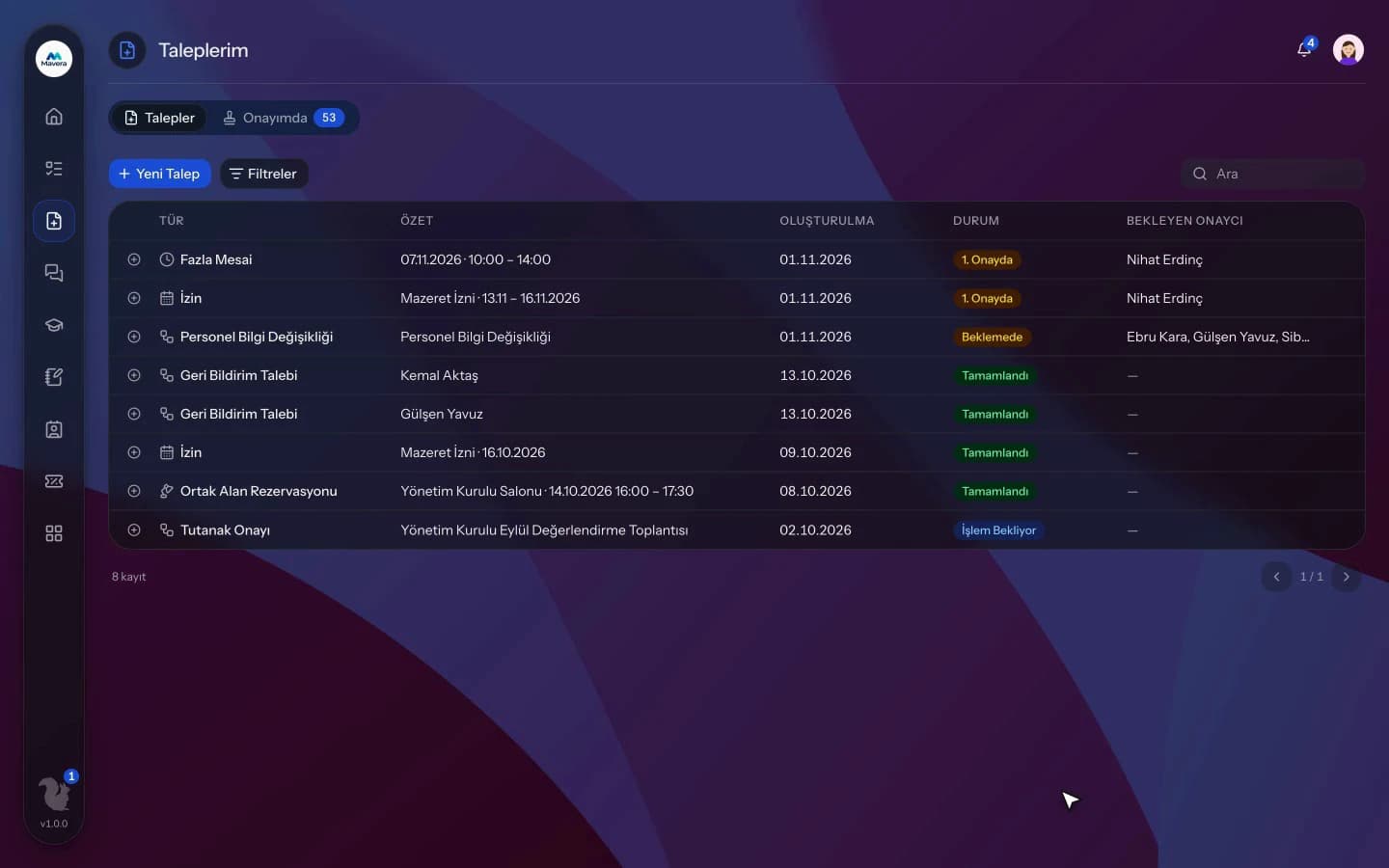
Rooms, desks and parking are defined with rules; employees book from their requests or the QR code at the door, and bookings needing approval are tracked against time.
Shared Spaces
How It Works
Define spaces
Add rooms, desks or parking with capacity, opening hours, duration limits, equipment and audience.
Book
Employees pick a space from their requests or by scanning the QR at the door, add attendees and set weekly repeats.
Approve and monitor
Claim bookings that need approval within the time limit, and follow the calendar and reports.
Features
What You Can Do
- Set opening hours, holiday closures, minimum and maximum duration, capacity and approval rules.
- Define space types, equipment and an audience per space.
- Book with attendees and weekly repeats for up to 12 weeks.
- Conflicts are blocked; book in 15-minute slots up to 90 days ahead.
- Create a meeting record together with the booking.
- Bookings that need approval are claimed from a queue and tracked against time.
- Cancel single or series bookings from the manager calendar.
- Close spaces for a date range.
- Printable QR labels for spaces and offices; scanning opens the booking form and records office check-in.
- Reminders 10 minutes before start, a booking report with CSV and a requests dashboard.
Common Questions
In Kolekto's Shared Spaces module, the space is locked while a booking is saved and checked for any other booking at the same time; a conflicting request is not saved. You can join the waiting list for a taken slot, and if it frees up, the first person on the list is notified in the app and by email.
In Kolekto's Shared Spaces module, a printable QR label is prepared for each space; when an employee scans the code on the door and signs in, the booking form opens with that space already selected. If the space belongs to an active office location, the scan is also recorded as that day's office check-in.
Kolekto runs in the browser and is fully responsive; use it from phone, tablet or desktop with no installation. Employees open leave requests from their phone, managers approve from theirs.
Each organization designs its own approval flows in Process Management: approval, task, notification and escalation steps are laid out per request type in the drag-and-drop designer, with no limit on the number of levels. Approvers are derived from the org chart: the reporting line, the department head, a title holder or a permission chain. If an approver is on leave, their delegate, their manager or a backup approver steps in; an overdue step is escalated by its SLA rule. Every step shows in the progress indicator and in the user activity log.
Pending approvals, resolved requests and new assignments are delivered both in-app and by email. Employees track the stage of their request from their panel.
Start running your company from one place.
In the demo call we agree on your needs and the modules to enable.
Request a DemoContact Us