

Communication
Correspondence
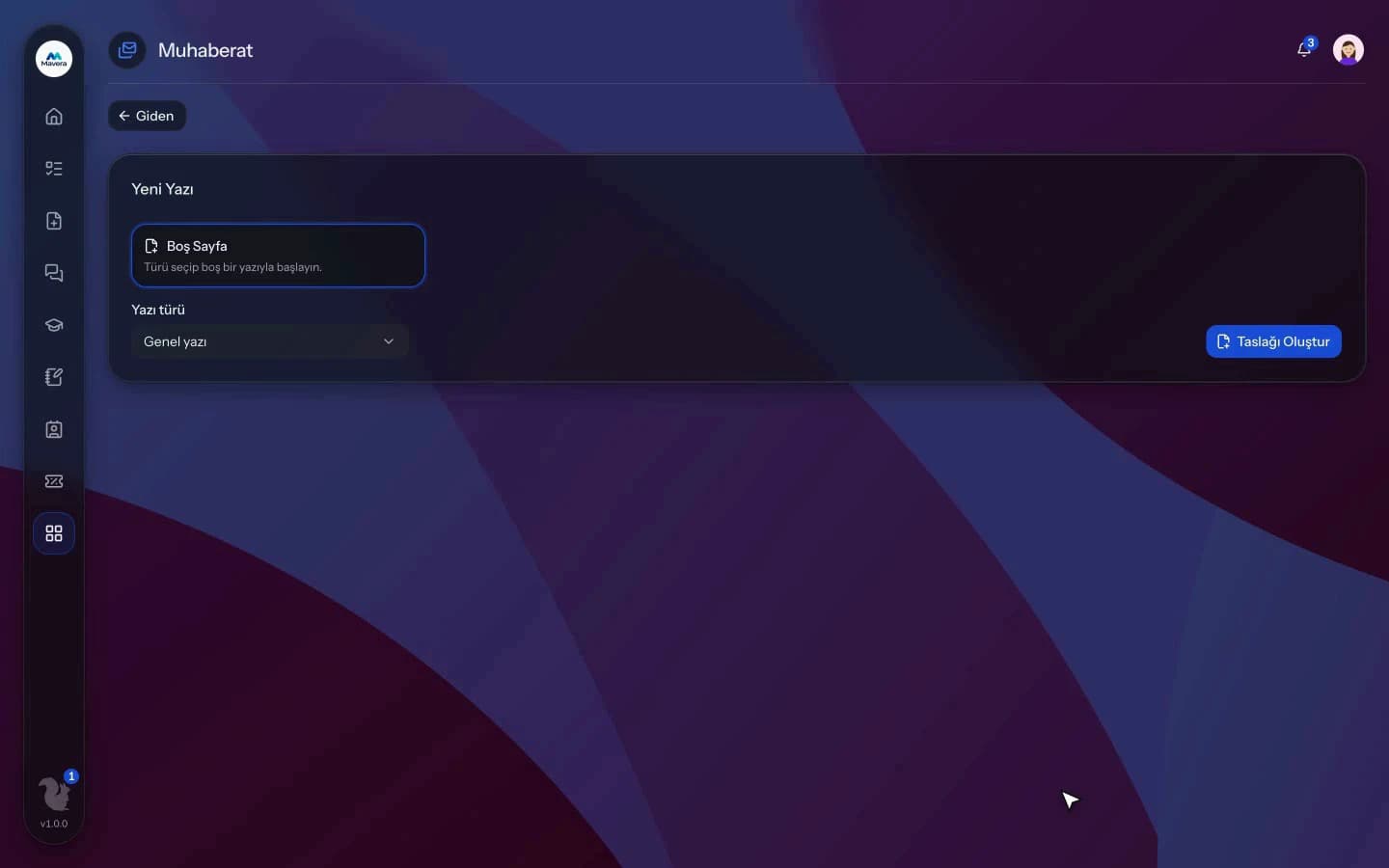
Outgoing and internal letters pass initials and approval and are tracked in a numbered register; incoming mail is routed and reminders go out before reply deadlines.
Correspondence
How It Works
Write
Prepare a letter from a template or a blank page and add recipients and attachments.
Approve
The letter passes the initials and approval chain and gets a register number when approved.
Send and track
Record the dispatch channel and route incoming mail to the right people.
Features
What You Can Do
- Use letter templates with variables and get letterhead PDFs.
- Build the initials and approval chain person by person; delegation is supported.
- Set your own number format; numbers are assigned automatically.
- Register incoming mail and route it "for action" or "for information".
- Open a reply draft from incoming mail; reminders go out when the reply is overdue.
- Record the dispatch channel (post, KEP, notary, courier) and tracking number.
- Documents can be verified with a code on a public page.
- Time-limited access to a personal letter is opened with a reason and logged.
- Define a filing plan and retention classes and download the yearly register as CSV.
- Keep an organization and contact directory; entries can link to customer records.
Common Questions
In Kolekto's Correspondence module, a registered incoming document is routed to an employee or a department either "for action" or "for information", and routings for action can carry a note and a due date. The people and department members it is routed to are notified, and separate alerts are sent for documents whose reply deadline is approaching or has passed.
In Kolekto's Correspondence module, while verification is on (the default), each numbered letter's PDF carries a 12-character verification code and a verification address. The recipient enters the code on the public verification page to see the issuing organization, the number, the date and whether the letter is valid or cancelled; the subject is hidden for classified letters.
Each organization designs its own approval flows in Process Management: approval, task, notification and escalation steps are laid out per request type in the drag-and-drop designer, with no limit on the number of levels. Approvers are derived from the org chart: the reporting line, the department head, a title holder or a permission chain. If an approver is on leave, their delegate, their manager or a backup approver steps in; an overdue step is escalated by its SLA rule. Every step shows in the progress indicator and in the user activity log.
Tenant isolation is enforced in three layers: every query is scoped to the organization and that rule is verified by automated checks before releases; files live in a fully private bucket and are served only through short-lived signed links after an authorization check; file paths are separated per organization too. On top of that: role-based access, hashed session tokens and an audit trail for critical actions. Internal communication messages are stored encrypted on the server; the organization chooses whether conversations are auditable from the admin panel or private.
Access is role-based: only those with HR module permission see employee records, and every employee can access their own. Critical actions are written to the audit log, so who viewed and changed what is traceable.
Start running your company from one place.
In the demo call we agree on your needs and the modules to enable.
Request a DemoContact Us